
分类: Acrylic Insights

Practical notes on acrylic materials, printing and retail display design.

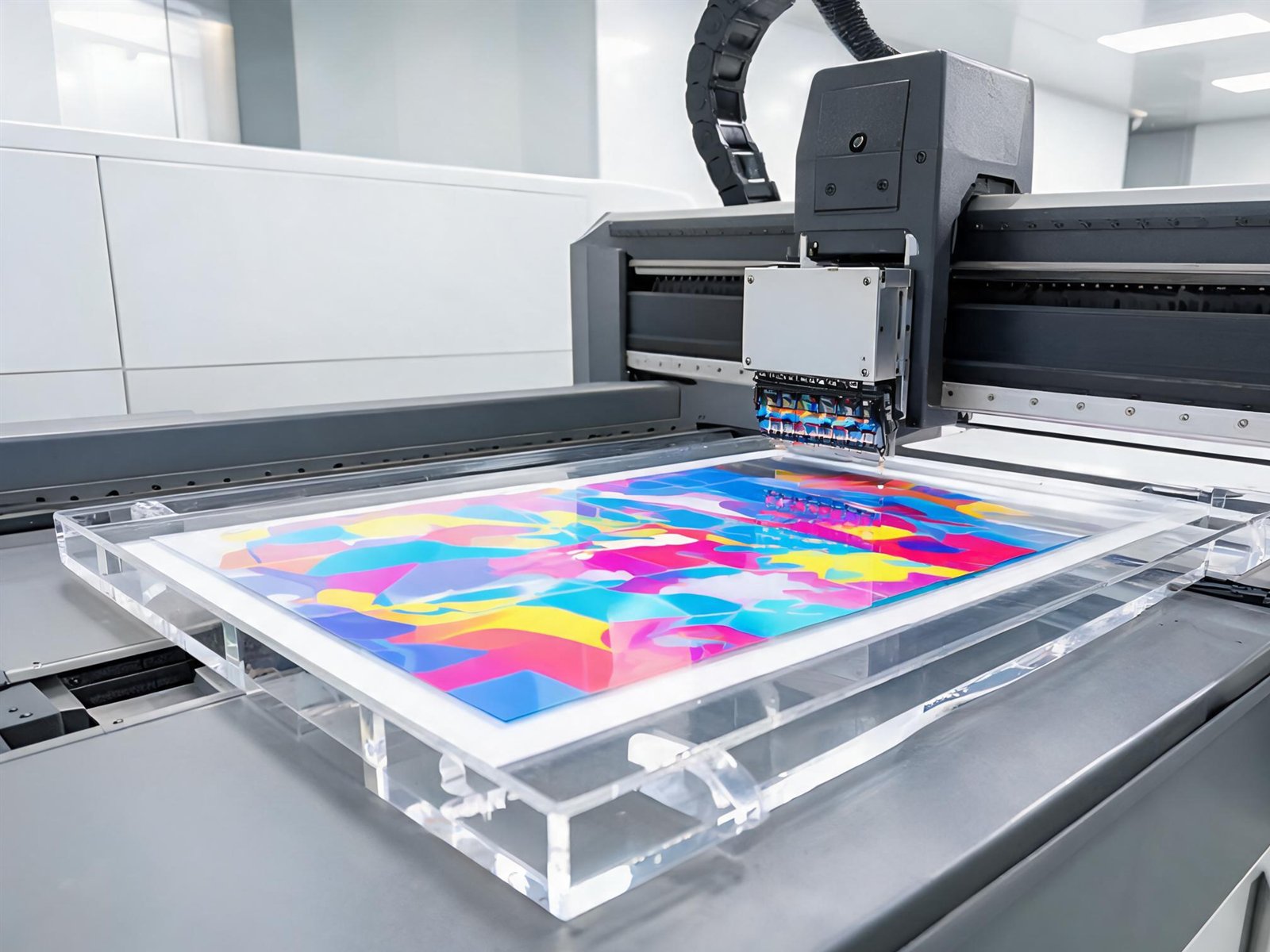
  • UV Printing on Acrylic: White Ink, Colour and Finishing Explained

    UV Printing on Acrylic: White Ink, Colour and Finishing Explained

    UV printing is what turns a sheet of acrylic into a branded display. But two files that look identical on screen can produce very different results on clear material. These are the variables that matter.

    Why white ink changes everything

    Clear acrylic has no background colour. If you print CMYK ink directly onto it, light passes through the ink and the image appears translucent — reds go pink, dark colours look weak, and photographs lose contrast. A white ink layer printed first acts as the background, so the colour layer sits on an opaque base and reads correctly.

    For artwork that should be fully opaque, we print white behind every coloured area. For designs that should glow or show the material, we can leave selected areas unprinted or use a partial white layer.

    First-surface vs second-surface printing

    First-surface: the graphic is printed on the front of the sheet and faces the viewer. Colours are crisp and the print can include textured varnish, but the ink is exposed to handling and cleaning.

    Second-surface: the graphic is printed in reverse on the back of a clear sheet. The acrylic protects the ink, giving excellent scratch resistance and a deep, glossy look. Text must be mirrored in the file, and the piece must be installed with the printed side inward.

    For retail standees that are handled often, second-surface printing is usually the better choice. For pieces where texture or a matte finish matters, first-surface is more flexible.

    Varnish and finish

    UV printers can add a clear varnish in the same pass. Gloss varnish deepens colour and adds a smooth feel; matte varnish reduces reflections and fingerprints, which is useful on countertop pieces under bright store lighting. Textured or spot varnish can highlight a logo, but it also adds cost and should be used deliberately.

    Artwork preparation that avoids surprises

    • Set the file at 1:1 scale. Do not rely on “fit to page” printing.
    • Convert fonts to outlines so type does not reflow on another machine.
    • Keep cut lines on a separate layer or use a clearly named spot colour.
    • Use 300 dpi images at final print size; higher is rarely necessary and slows the workflow.
    • Supply brand colours as Pantone or CMYK references and approve a physical sample where accuracy is critical.
    • Avoid very fine reverse-out text on textured or matte finishes, where ink can fill small gaps.

    Durability in real use

    UV ink is cured instantly and bonds well to acrylic, but it is not indestructible. Abrasive cleaners, sharp edges and stacking printed faces together can dull the surface. For retail pieces we recommend:

    • Keep the protective film on until installation.
    • Clean with a soft cloth and mild soap, not solvent-based cleaners.
    • Stack with interleaving paper or foam, never printed face to printed face.
    • Use second-surface printing where the piece will be handled daily.

    What to send for an accurate quote

    Send the artwork, the finished size, the quantity and the intended use. If colour matching matters, tell us which colours are critical. We will confirm whether white ink, varnish or second-surface printing is needed, then quote the complete piece rather than just the print.
  • How to Design Acrylic Standees That Sell

    How to Design Acrylic Standees That Sell

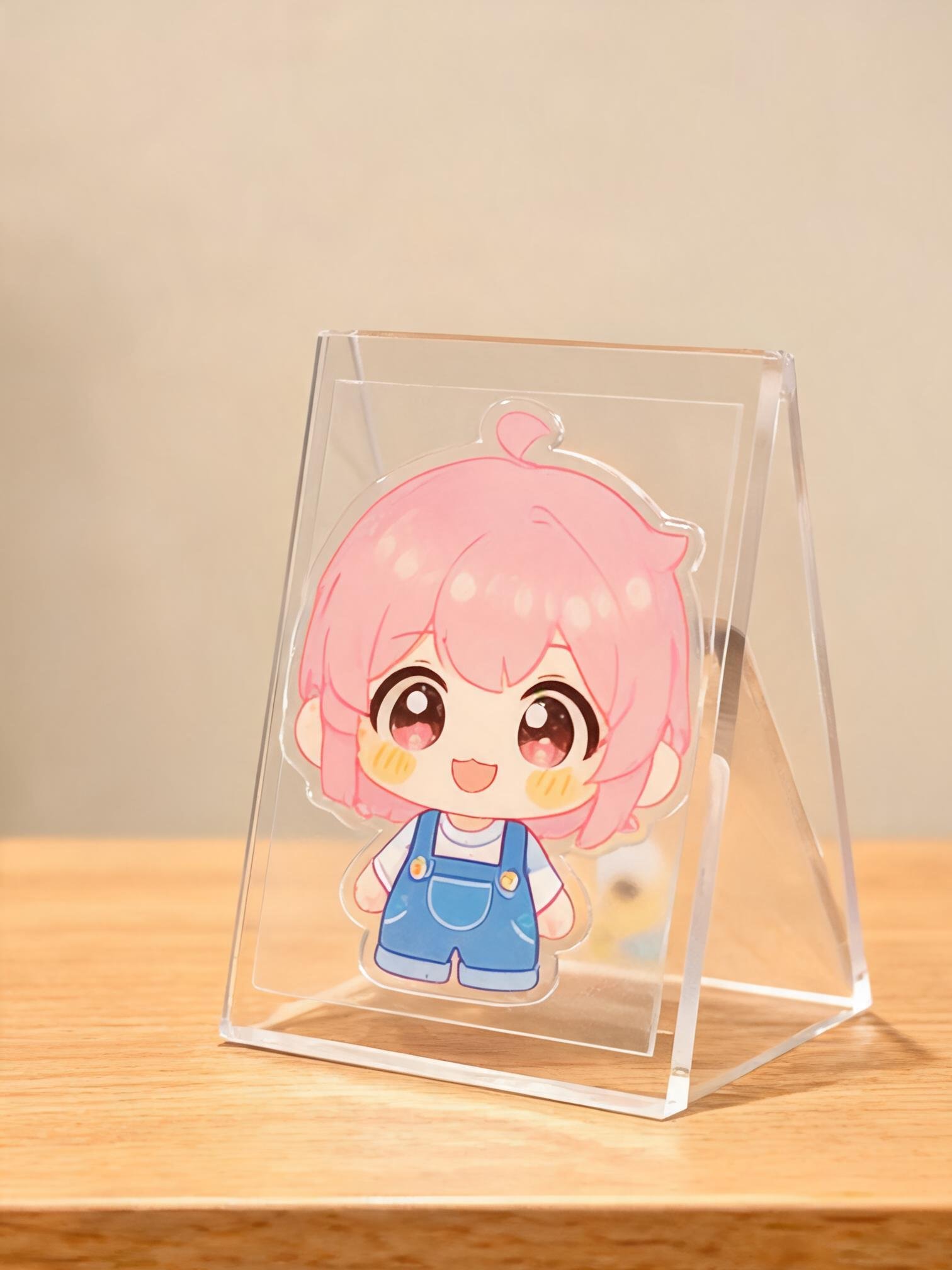
    A standee has one job: stop someone walking past. The difference between a piece that works and one that gets ignored is rarely the artwork alone — it is size, distance, base stability and how the acrylic is printed.

    1. Design for the viewing distance

    A counter standee is read from half a metre; a window piece from two or three metres. At close range, small type and fine detail work. At a distance, simplify: one subject, one message, strong contrast. If a customer has to lean in to understand it, the design is too busy for its position.

    2. Give the artwork room to breathe

    Because the sheet is cut to the outline, the shape itself becomes part of the design. Leave a margin between the artwork and the cut edge — typically 3–5 mm — so the edge does not clip the subject. For character standees, a contour cut close to the figure looks sharp; for photo standees, a simple rectangular or rounded shape usually reads better.

    3. Think about the base before the artwork

    The base determines whether the standee stays upright. A tall, narrow design on a small round base will tip in a busy shop. Options that work:

    • Slot-in base: simple, flat-pack, good for lightweight pieces.
    • Screw-fixed base: more stable and easy to replace if damaged.
    • Wider oval or rectangular base: best for tall designs and high-traffic counters.
    • Bonded L-shape: a clean look for table signs, but it takes more packing space.

    As a rule, the base should be at least one third of the total height for a freestanding counter piece. If the design is top-heavy, increase sheet thickness rather than just enlarging the base.

    4. Use white ink on clear acrylic

    Printing CMYK straight onto clear acrylic makes colours look transparent and washed out. A white ink base underneath the colour gives opacity and keeps skin tones, brand colours and product shots accurate. For images that must be pure and glossy, print on the reverse side so the acrylic itself protects the ink.

    5. Choose the right thickness

    3 mm is the everyday choice for small and medium standees. 4–5 mm gives a more premium feel and resists bowing on larger pieces. Thicker is not automatically better: it adds weight, cost and freight volume, and it can make a slot base harder to assemble.

    6. Plan the packing early

    Retail standees are often shipped in bulk to stores, not to end customers. Individually sleeving each piece prevents scuffing, and keeping the protective film on until installation saves a surprising amount of damage. If the base is separate, pack it in the same sleeve so the pair stays together.

    A quick checklist before you approve artwork

    • Is the main message readable at the real viewing distance?
    • Is there a safe margin between artwork and cut line?
    • Does the base match the height and weight of the piece?
    • Have you approved a printed sample on the actual acrylic?
    • Will the packing protect the edges and printed face?

    Send us the artwork and tell us where the standee will stand. We will flag the practical issues before the file goes into production.

  • Acrylic vs PETG for Retail Displays: What Actually Matters

    Acrylic vs PETG for Retail Displays: What Actually Matters

    Specifiers often ask us whether acrylic or PETG is the better sheet for a retail display. The honest answer is that both work — but they fail in different ways. Here is how we choose between them in production.

    Acrylic: the clarity benchmark

    Cast acrylic is the material most people picture when they think of a premium display: glass-like transparency, a stiff panel that stays flat, and edges that polish to a bright finish. It takes UV printing beautifully, holds fine detail when cut or engraved, and can be heat bent into clean angles.

    The trade-off is brittleness. Acrylic chips or cracks under a sharp impact, especially at drilled holes and narrow necks. Once cracked, the part usually has to be replaced rather than repaired.

    PETG: the impact-resistant option

    PETG is tougher. It flexes before it breaks, which makes it a sensible choice for parts that are handled daily, shipped repeatedly, or installed by store staff who may not be gentle. It is also a good fit for outdoor or cold-chain environments where impact risk is higher.

    What you give up is optical purity. PETG is slightly softer and less crystal-clear than cast acrylic, and its edges do not polish to the same glassy look. Some print processes also need different adhesion settings.

    Where each material wins

    • Choose acrylic: cosmetic and jewellery displays, printed standees, premium sign holders, pieces where clarity and edge finish sell the product.
    • Choose PETG: high-traffic shelf dividers, children’s display pieces, parts that flex during assembly, and projects where replacement cost matters more than perfect clarity.
    • Mix both: a clear acrylic front panel with PETG internal brackets is a common way to protect the visible surface while adding toughness where it is hidden.

    Printing and finishing differences

    UV printing adheres well to both materials, but the white ink base behaves differently. On clear acrylic, a white layer gives crisp, opaque colour with strong contrast. On PETG, the same artwork can look slightly warmer because the sheet itself is less neutral. If colour accuracy is critical, approve a printed sample on the actual material rather than on a paper proof.

    Heat bending is another split. Acrylic bends predictably with strip heaters and hot-wire machines. PETG needs lower temperatures and more controlled cooling, and spring-back can be slightly different. This matters for parts that must fit together, such as a slot-in base or a folded sign holder.

    Cost and availability

    Extruded acrylic is often the lowest-cost clear sheet, while cast acrylic costs more but machines and polishes better. PETG usually sits between the two. The cheapest sheet is rarely the cheapest display once cutting, printing, polishing and breakage are included — a material that chips during packing can wipe out the saving.

    Our default recommendation

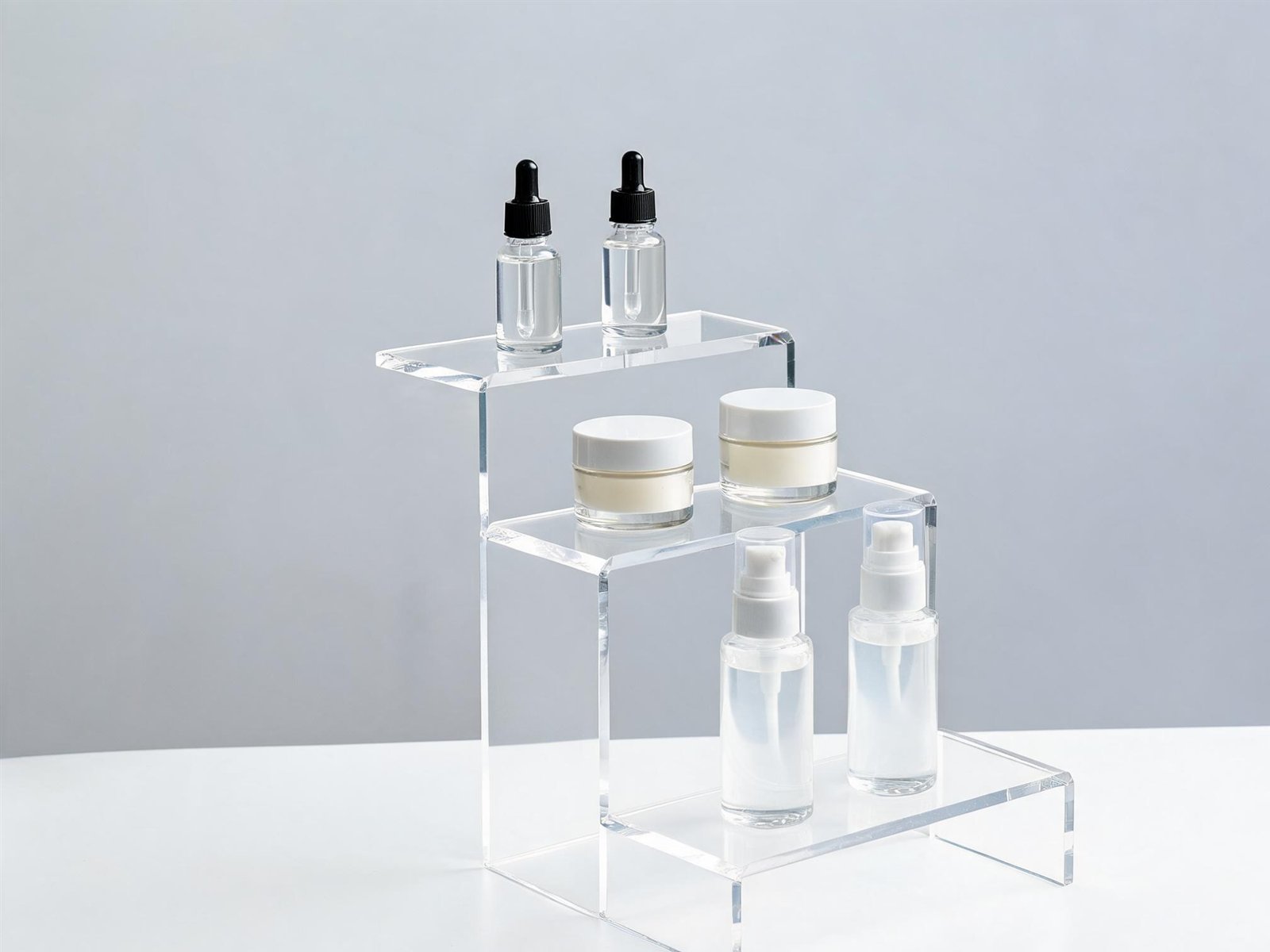
    For printed display pieces that are seen up close — standees, countertop stands, jewellery risers — we start with cast acrylic. For parts that are handled, shipped loose, or likely to take knocks, we recommend PETG or a mixed construction. Send us the product, the environment and the handling route, and we will specify the material that fits all three.