
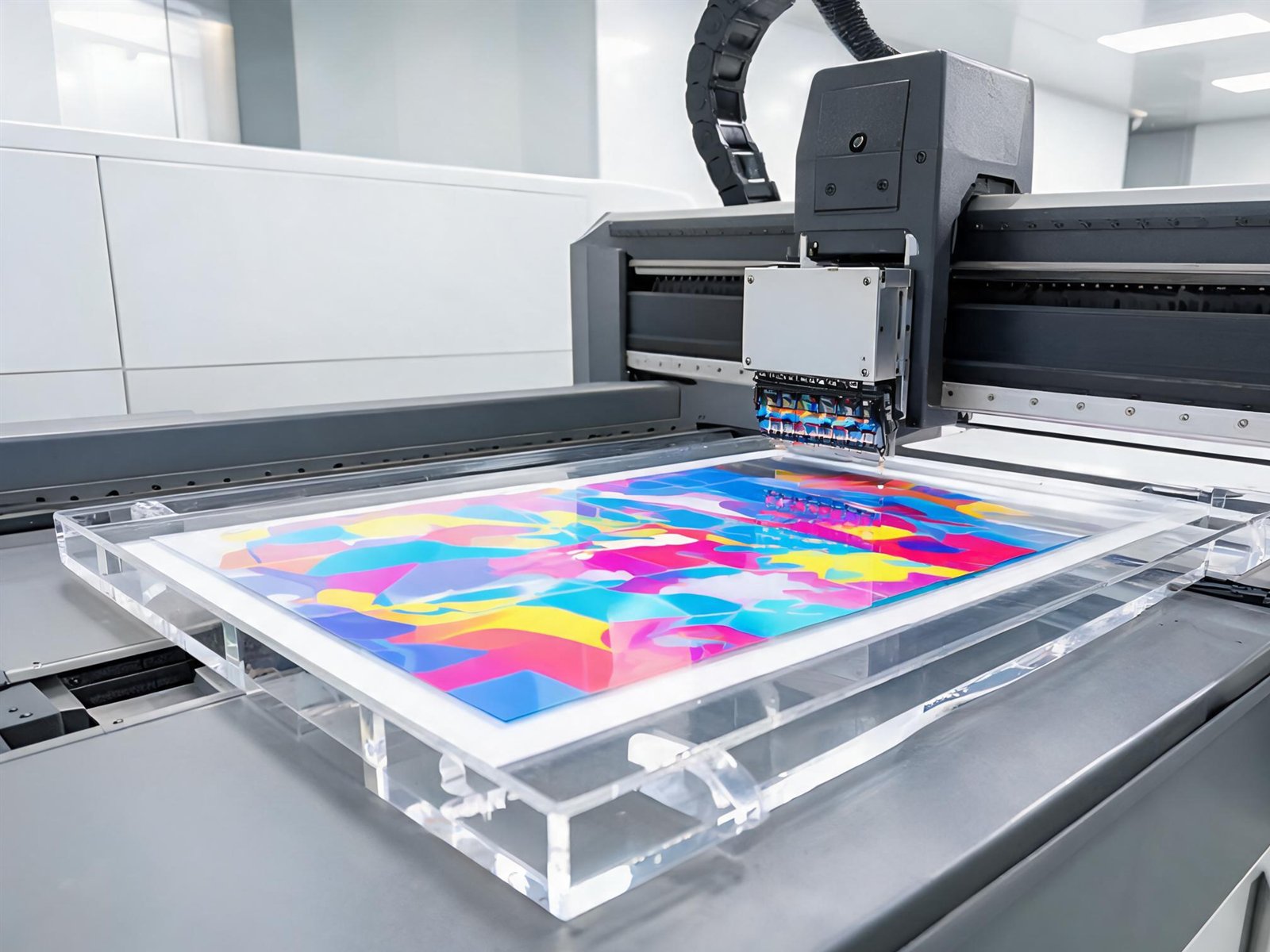
UV printing is what turns a sheet of acrylic into a branded display. But two files that look identical on screen can produce very different results on clear material. These are the variables that matter.
Why white ink changes everything
Clear acrylic has no background colour. If you print CMYK ink directly onto it, light passes through the ink and the image appears translucent — reds go pink, dark colours look weak, and photographs lose contrast. A white ink layer printed first acts as the background, so the colour layer sits on an opaque base and reads correctly.
For artwork that should be fully opaque, we print white behind every coloured area. For designs that should glow or show the material, we can leave selected areas unprinted or use a partial white layer.
First-surface vs second-surface printing
First-surface: the graphic is printed on the front of the sheet and faces the viewer. Colours are crisp and the print can include textured varnish, but the ink is exposed to handling and cleaning.
Second-surface: the graphic is printed in reverse on the back of a clear sheet. The acrylic protects the ink, giving excellent scratch resistance and a deep, glossy look. Text must be mirrored in the file, and the piece must be installed with the printed side inward.
For retail standees that are handled often, second-surface printing is usually the better choice. For pieces where texture or a matte finish matters, first-surface is more flexible.
Varnish and finish
UV printers can add a clear varnish in the same pass. Gloss varnish deepens colour and adds a smooth feel; matte varnish reduces reflections and fingerprints, which is useful on countertop pieces under bright store lighting. Textured or spot varnish can highlight a logo, but it also adds cost and should be used deliberately.
Artwork preparation that avoids surprises
- Set the file at 1:1 scale. Do not rely on “fit to page” printing.
- Convert fonts to outlines so type does not reflow on another machine.
- Keep cut lines on a separate layer or use a clearly named spot colour.
- Use 300 dpi images at final print size; higher is rarely necessary and slows the workflow.
- Supply brand colours as Pantone or CMYK references and approve a physical sample where accuracy is critical.
- Avoid very fine reverse-out text on textured or matte finishes, where ink can fill small gaps.
Durability in real use
UV ink is cured instantly and bonds well to acrylic, but it is not indestructible. Abrasive cleaners, sharp edges and stacking printed faces together can dull the surface. For retail pieces we recommend:
- Keep the protective film on until installation.
- Clean with a soft cloth and mild soap, not solvent-based cleaners.
- Stack with interleaving paper or foam, never printed face to printed face.
- Use second-surface printing where the piece will be handled daily.
What to send for an accurate quote
Send the artwork, the finished size, the quantity and the intended use. If colour matching matters, tell us which colours are critical. We will confirm whether white ink, varnish or second-surface printing is needed, then quote the complete piece rather than just the print.